YOU WILL STILL HAVE TO FAX THE DAILY LOG AS USUAL.

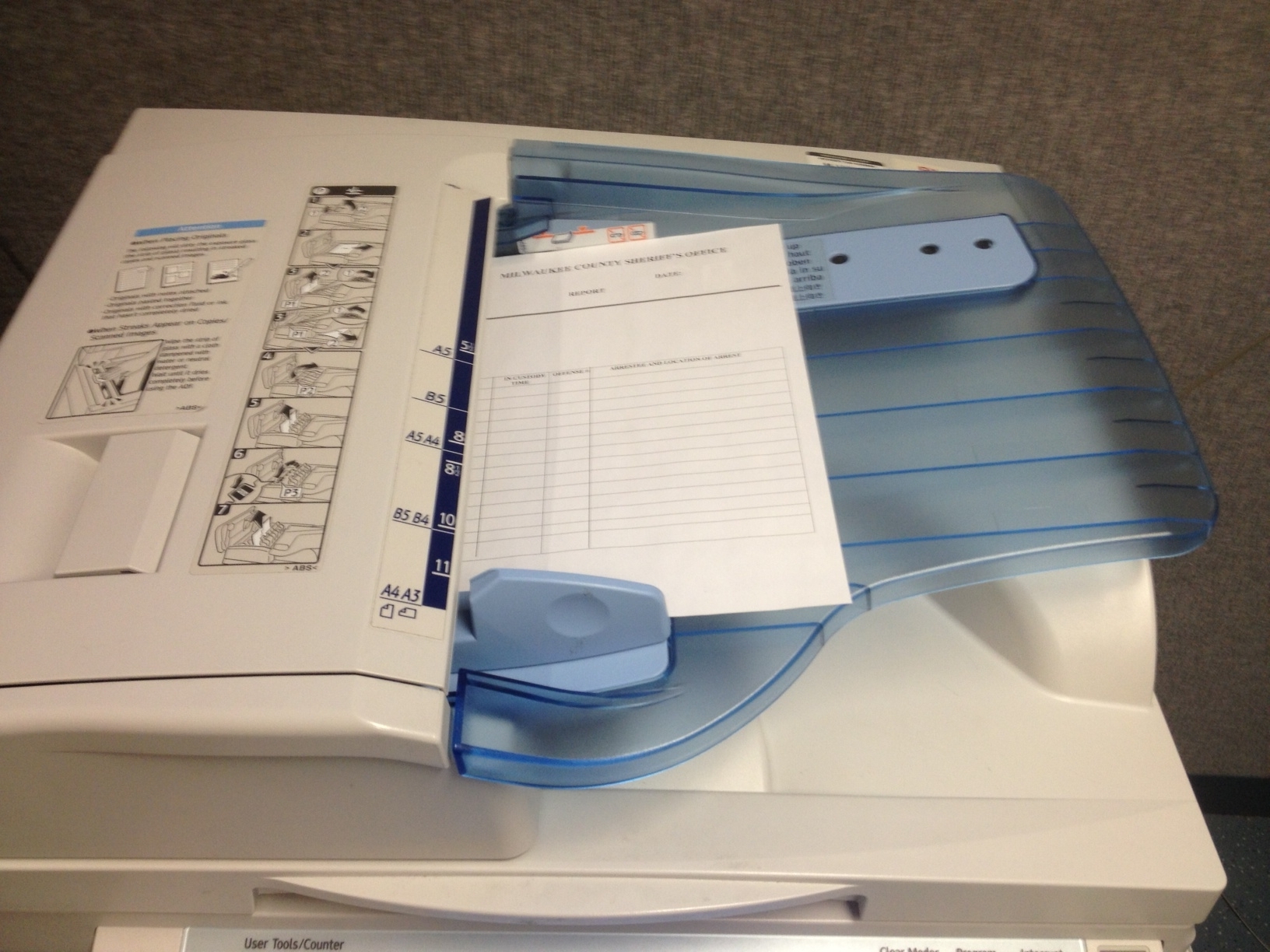
Daily Log to network folder via Lanier Copier/Scanner
Use "Scanner" button (it's on the left side)
Choose the "Folder" tab on the screen
Make sure you are on the "Frequent" option
Choose the "Daily Log folder" destination
Place paper in correct orientation, page 1 on top (see 2nd image)
"Start"
Check this folder to make sure it was sent successfully; the name of the file will be the date/time you sent it. Keep this in mind if you are looking for a certain day; the file name will be the day it was sent, hopefully just one day after the desired date!
H:\Daily Log